Starting in iClip 5.1.4, you can use alternate skins!
Just download a skin and double-click it in Finder to have iClip automatically apply the skin. Switch between skins in the iClip Preferences.
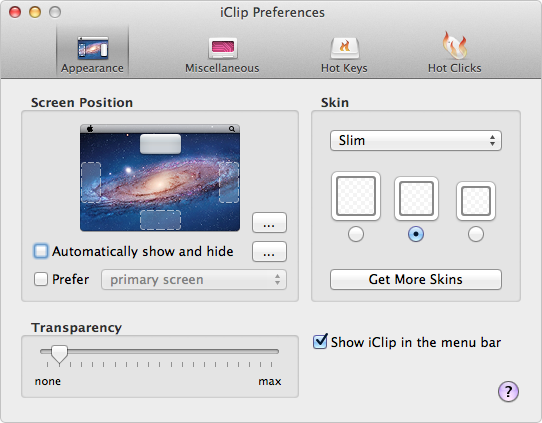
Slim
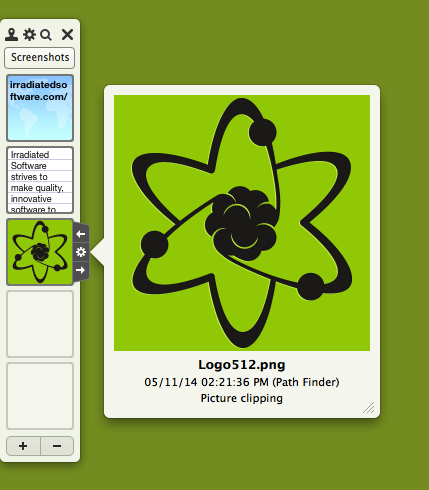
A nice, flat skin designed to match the look of OS X 10.10 Yosemite, but still looks great on any version of OS X.
Slim (tinted)
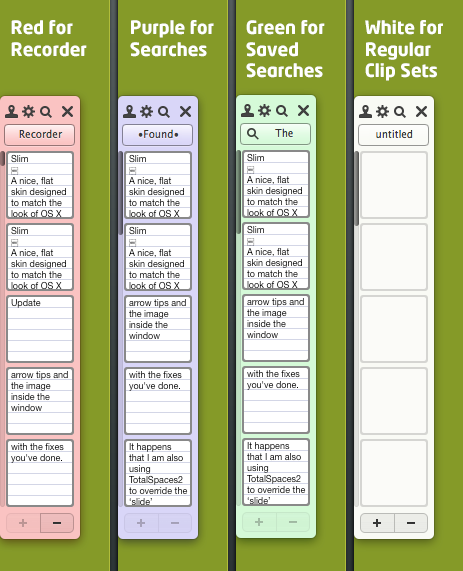
A nice, flat skin designed, but with tinted backgrounds to help you quickly identify the type of clip set you're working with.

Alternative Menu Bar Icons
If you don't like the "clip"-like icon in the Mac's menu bar, you can replace it with an alternative icon. To install these, you need iClip 5.6 or later. Simply download it, unzip it if it's a .zip file, and then double click the .iClipSkin file to get it installed in iClip.
The Mariott icon

Designed by a user, it stands out much better but also takes up a little more horizontal space.